Installing and using Playwrite
A quickstart guide.
- Date
- November 2025
In 2024 we released the free Playwrite font family, based on our Primarium research. Here we present a guide for installing and using it.
Rather than just a typeface alone, Playwrite is a typeface engine that allows the creation of primary school fonts. The free font families are the practical result of TypeTogether’s ongoing three-year research project, Primarium, which studies handwriting instruction methodologies in Latin-based languages around the world. Our findings informed the design of the family with regards to the calligraphic models currently in use, their development, and rationale.
Playwrite was recognised by the major international design competitions in 2024 and 2025, garnering the highest level awards from each. You can now consult the research online or buy the book Primarium: Handwriting education across cultures and continents that provides an overview of the handwriting education landscape in 40 countries, along with a close look at the particular styles and approaches employed in each.
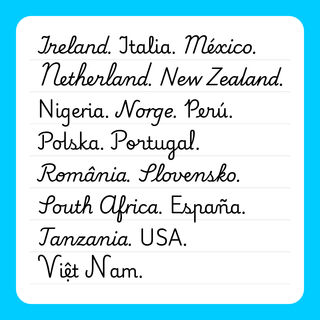
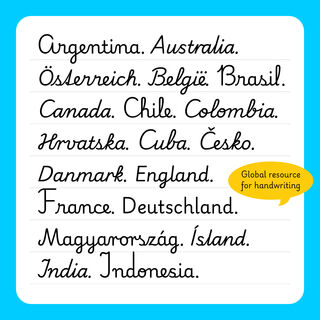
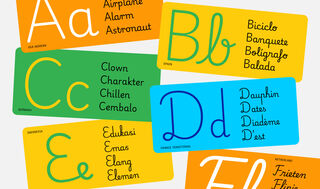
Each region has letter shapes specific to their preferences and familiar to their people, so we incorporated those shapes into each font. Playwrite includes static and variable fonts, support for over 150 Latin-based languages, Vietnamese, and stylistic sets with a combination of eight variations for each letter. Users will find letters ranging from a precursive model to mirrored loops, different degrees of slant, plus idiosyncratic glyph variants, totalling 51 fonts representing the current teaching models in 40 countries.
Playwrite comes in four weights (Thin, ExtraLight, Light, Regular) and the Guides style, (as a separate family in Google Fonts), all for free, and they are available at Google Fonts and Adobe.
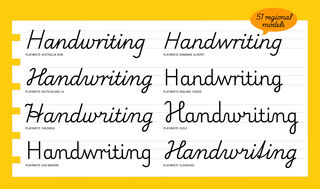
Installing the fonts
The process of installing Playwrite will be slightly different depending on the operating system. First, go to the Playwrite page on Google Fonts, select the appropriate model, download the free font package, and expand the .zip package. The Guides style can be found as a separate font family which needs to be downloaded as an additional item. (The fonts are also available at Adobe.)
On Windows
Right-click the fonts you want, and click Install. Follow the on-screen prompts to finish. For more details visit Microsoft Add a Font.

Using country models
The complete list of researched handwriting models can be found on the Primarium website, and remember this is a work in progress, so some of them might not have been published as of the date of this article.
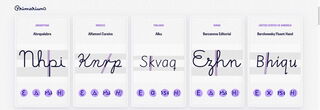
While our intention is to publish a typeface that can be modified by changing its axis (thanks to variable font technology which allows users to build any of the country models), the fonts available right now contain one model per family. So, if the desire is to set some text in Spanish from Spain, download Playwrite ES. If the user wants to create a copy sheet with English text from India, use Playwrite IN, and so on.
Adobe InDesign
Open the paragraph panel. In the contextual menu, select Adobe World-Ready Paragraph Composer.

Adobe Photoshop
Open the paragraph panel. In the contextual menu, select World-Ready Layout.

Adobe Illustrator
In Preferences > Type, check the Show Indic Options box. Close preferences and open the paragraph panel. In the contextual menu select Middle Eastern Single-line Composer.

Microsoft Word
In the Menu bar go to Format, select Font, and select the Advanced tab. Check the Kerning box to activate kerning for all text sizes, and check the Use contextual alternates box.

LibreOffice
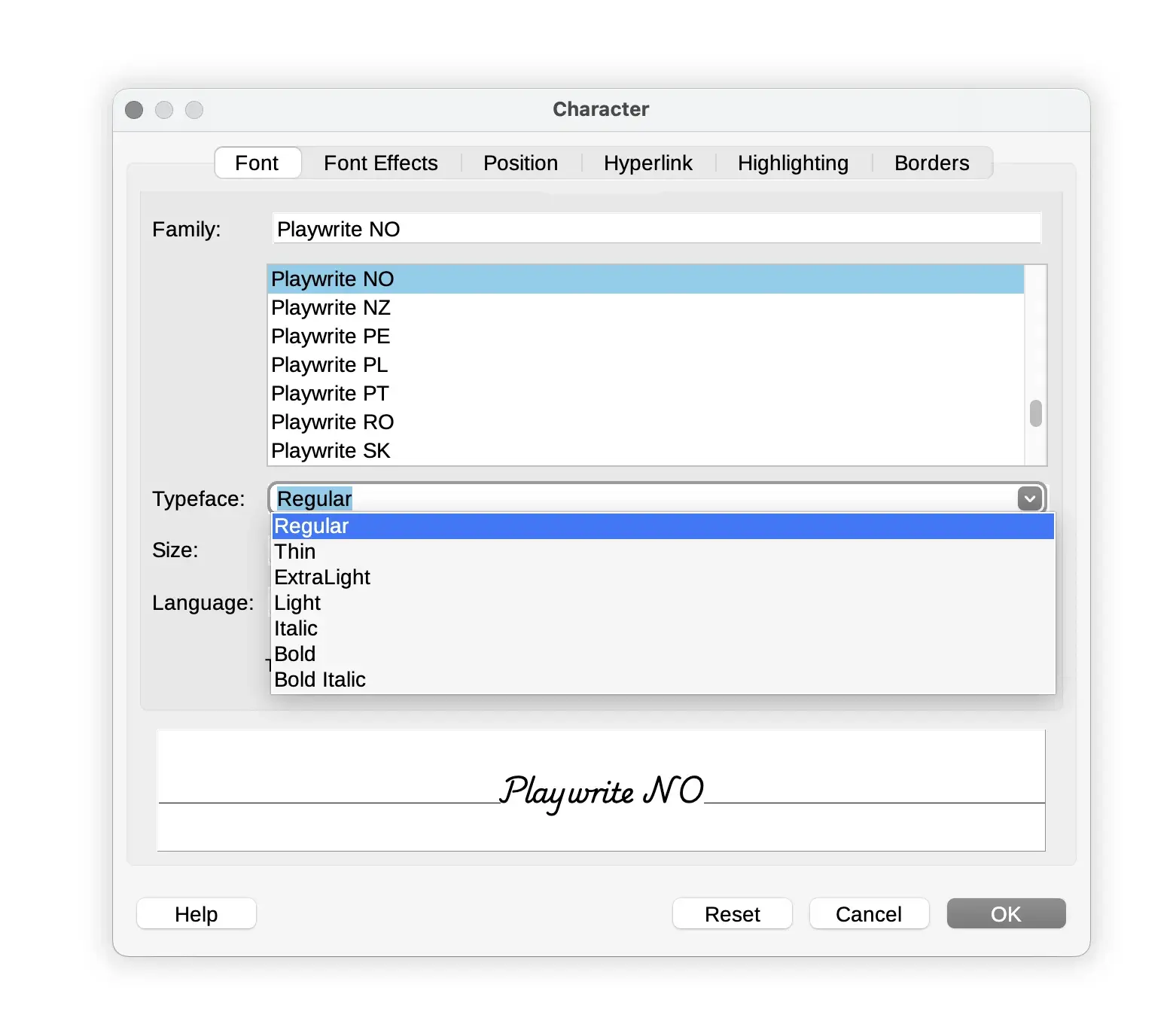
To select different styles, go to Format in the menu bar, select Character, and use the Typeface menu.
replace this image, its a webpp
Playwrite can also be downloaded and used as a variable font that contains all the options across the spectrum of each axis in a small file size, and the designer or user can fine-tune it to their needs.
The variable font comes with four axes: weight (from thin to regular), slant (controls how slanted it is), vertical extensions (controls the ascender and descender length), and speed (controls the speed and shape of the curves). These four axes allow users to create handwriting by country model, and also to create the version of Playwrite — on the fly — that may be needed for a specific job, regardless of model.
CHANGE BACKGROUND COLOUR
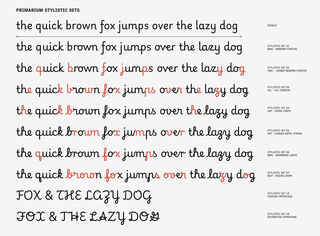
The options and modifications on Playwrite don’t stop at the axis, but it also contains multiple stylistic sets; there are nine sets in total: Modern Cursive, Joined Modern Cursive, Full Cursive, Speed Loops, Curved entry Stroke, Mirrored Loops, Micro Loops, Cursive Uppercase, and Decorative Uppercase.